Explanation
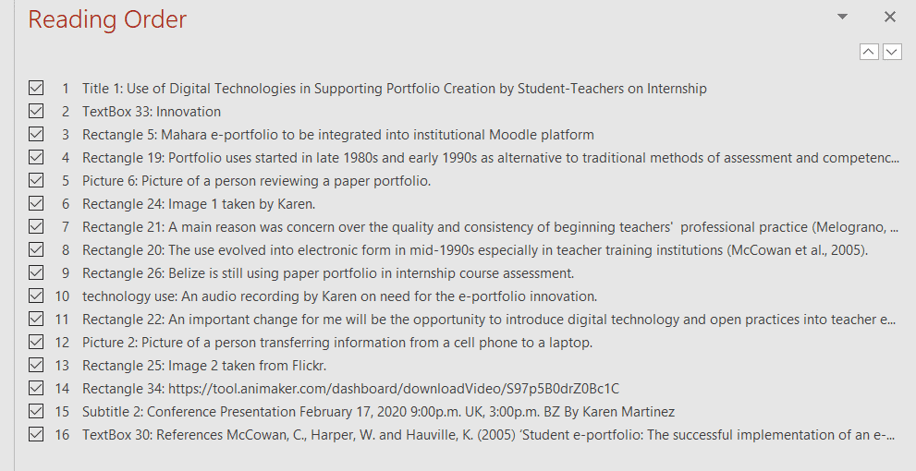
The poster is created in PowerPoint with accessibility features included. It comprises of texts, animation, image, links.
A reading order is created to assist screen readers (those with visual impairment) in reading the information in a structured way. A total of 16 parts are included. The images also have descriptions.
On the poster in slideshow view, a click brings in the theme innovation, spelled out by letter from the left to the middle, below the topic. A chime sound is heard when the theme appears.
Audio (my voice) can be activated by another click after reading of the section on Belize still using paper portfolio. An audio transcript is added to assist deaf readers.
Audio transcript (added as ppt notes)
We can’t keep trimming the branches off a dying tree. In this 21st century, we ought to be making use of digital technologies to enhance our students’ experiences.
Two links are available on poster: first, the YouTube link to the invitation video and second, the link to the official conference program.
Invitation Video created in Animaker (free version)
Comprises of two scenes (30 seconds)
SCENE ONE
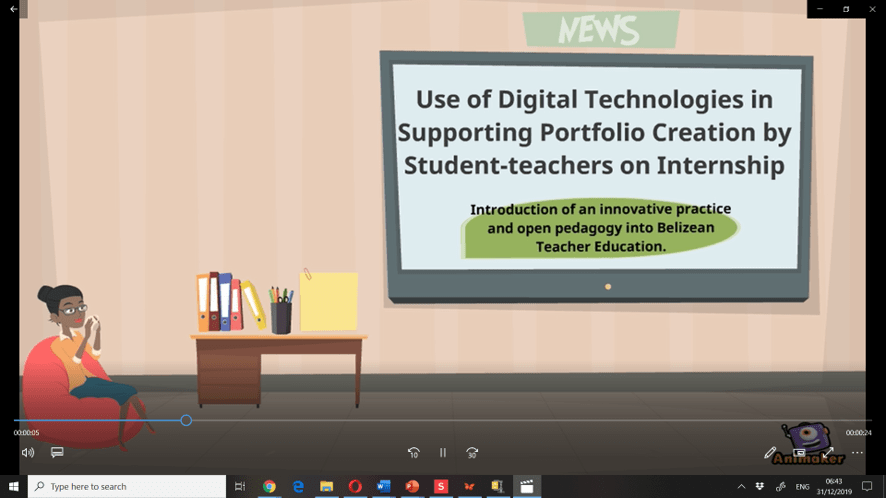
- Professionally dressed woman (in shirt and skirt) is sitting on a red couch sipping coffee and thinking while looking at the news on the flat screen. An instrumental music, themed pleasant journey, is playing in the background while my presentation topic is shown on the screen followed by information in a green call out shape on the introduction of an innovative practice and open pedagogy into Belizean Teacher Education.
Presentation topic is use of digital technologies in supporting portfolio creation by student-teachers on internship.
- On her left is a work desk covered from left to right with neatly stacked 3-ring binders, a black pen holder with pens, and a yellow note pad.
SCENE TWO
- Audio invitation (transcript below) transitions between the scenes.
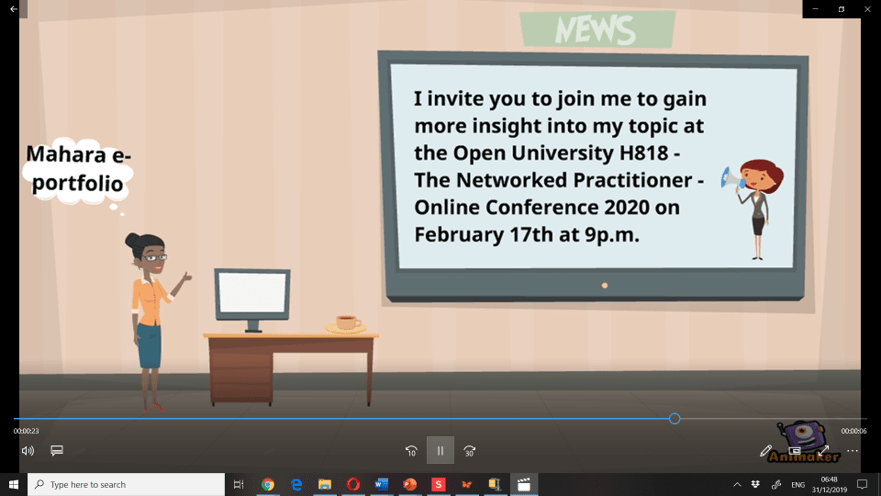
- My invitation to the conference is displayed on the screen.
- The camera zoomed in on the last part with the date and time of the conference just as the audio was ending. This is for emphasis.
- A personal computer monitor replaced the stationeries that were in scene one. A cup of coffee sat next to it.
- The professional woman, walking in while audio is playing, gave a thumbs up towards the screen as a positive sign of interest.
- She got an idea and thought of using Mahara e-portfolio to replace the file folders.
Audio transcript(added as ppt notes)
I invite you to join me to gain more insight into my topic at the Open University H818: The Networked Practitioner Online Conference 2020 on February 17th at 9p.m.
 KayDoc's